Features · Upload a whole test
Upload a whole test. Practise what it got wrong.
When a marked test comes home, photograph every page or upload the PDF or Word file. Tuterly finds the questions marked wrong and turns each one into new practice.
Coming soon on iPhone. Android soon after.
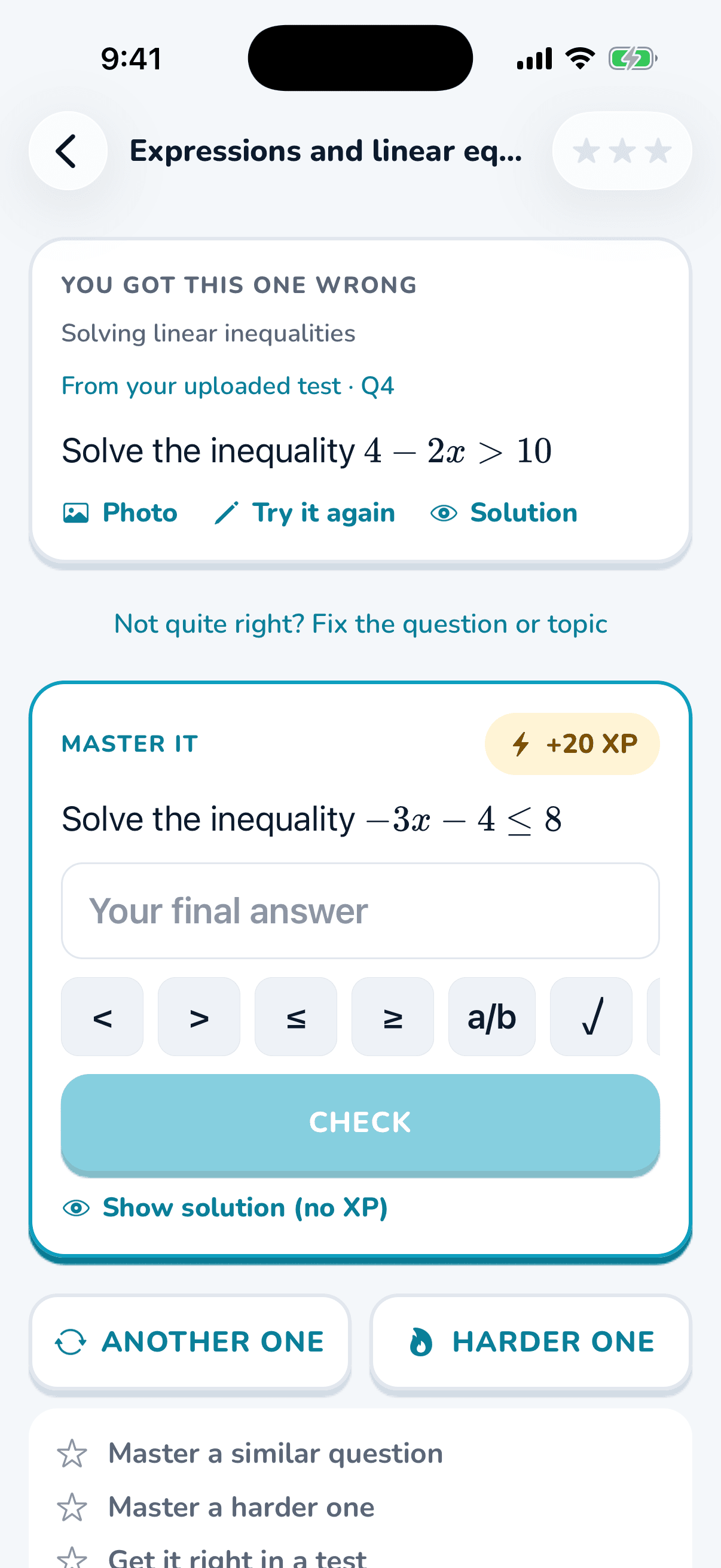
Got a question wrong? Try Tuterly on it now.
Upload a photo of one maths question. You’ll get the worked solution and a fresh question on the same idea to practise. Free, 2 a day.
How it works
Upload a whole test, step by step.
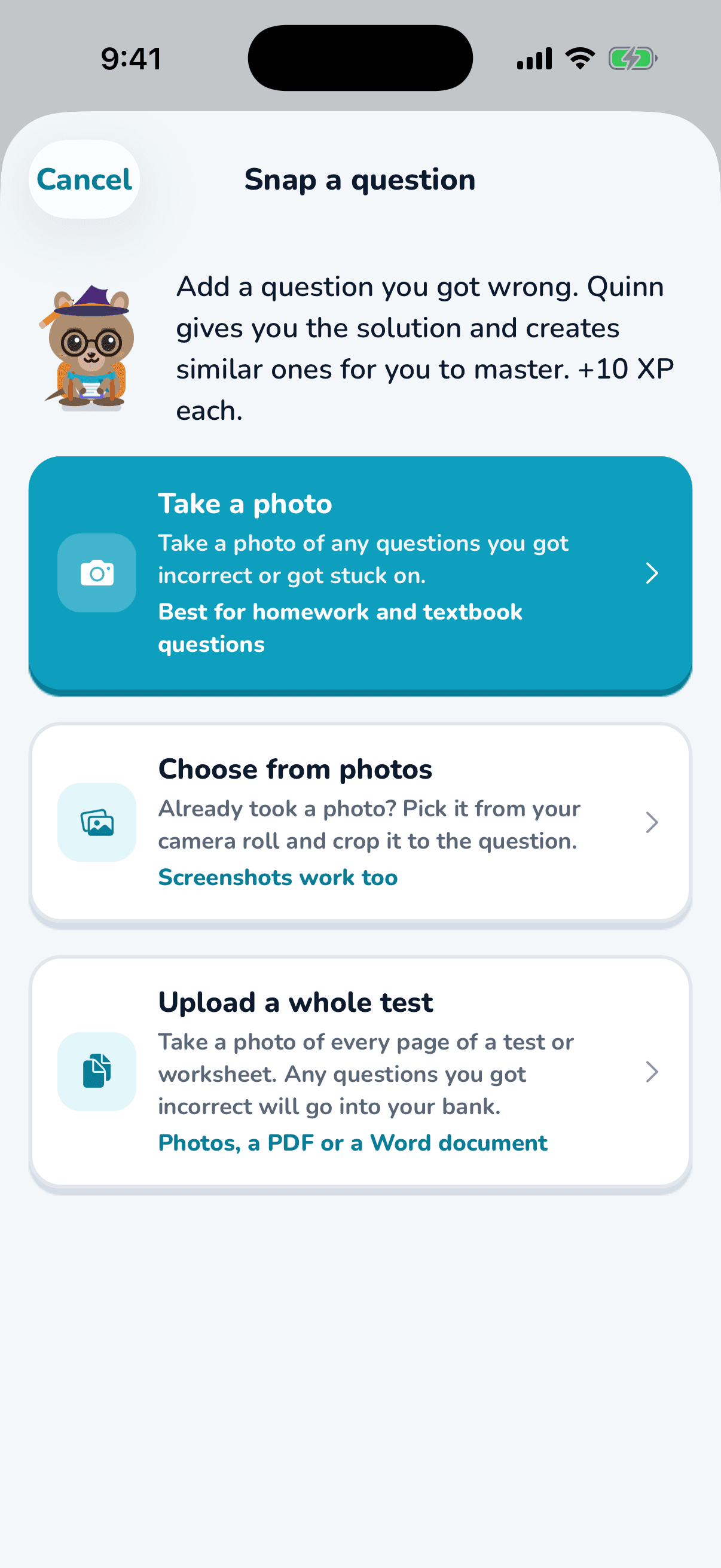
Upload it
Photos of each page, a PDF or a Word document.
Wrong ones saved
Questions marked wrong are ticked for them, each with a worked solution.

Master each one
Fresh questions on each idea until it’s mastered.
Why it helps
Small details that make it stick.
No typing
Every question on the test is read for them.
Their real school work
Practice comes from the test their teacher set, so it matches their class.
Parents can upload too
From a linked parent account, upload tests, practice papers and the term planner. Topic tests then focus on what’s coming up this term.
Questions
Good to know.
What file types work?
Photos of each page, a PDF or a Word document.
What if a question isn’t marked wrong but they didn’t understand it?
Every question on the test is listed, and the wrong ones are just pre-ticked. They can tick any others they want to practise.
More features
What else Tuterly does.
Better maths marks start with the next wrong answer.
Tuterly turns every missed maths question into practice tailored towards the student, not just a generic worksheet.
Coming soon on iPhone. Android soon after.