Features · Years 7 to 10 maths
Everything Tuterly does starts with a wrong answer.
Snap the questions they got wrong, check any topic, and revise from notes built around their mistakes. Here’s what each part does.
Coming soon on iPhone. Android soon after.
Got a question wrong? Try Tuterly on it now.
Upload a photo of one maths question. You’ll get the worked solution and a fresh question on the same idea to practise. Free, 2 a day.
Snap a question
Photograph a question they got wrong. Get the full worked solution, then fresh questions on the same idea until it’s mastered.
See how snap a question works →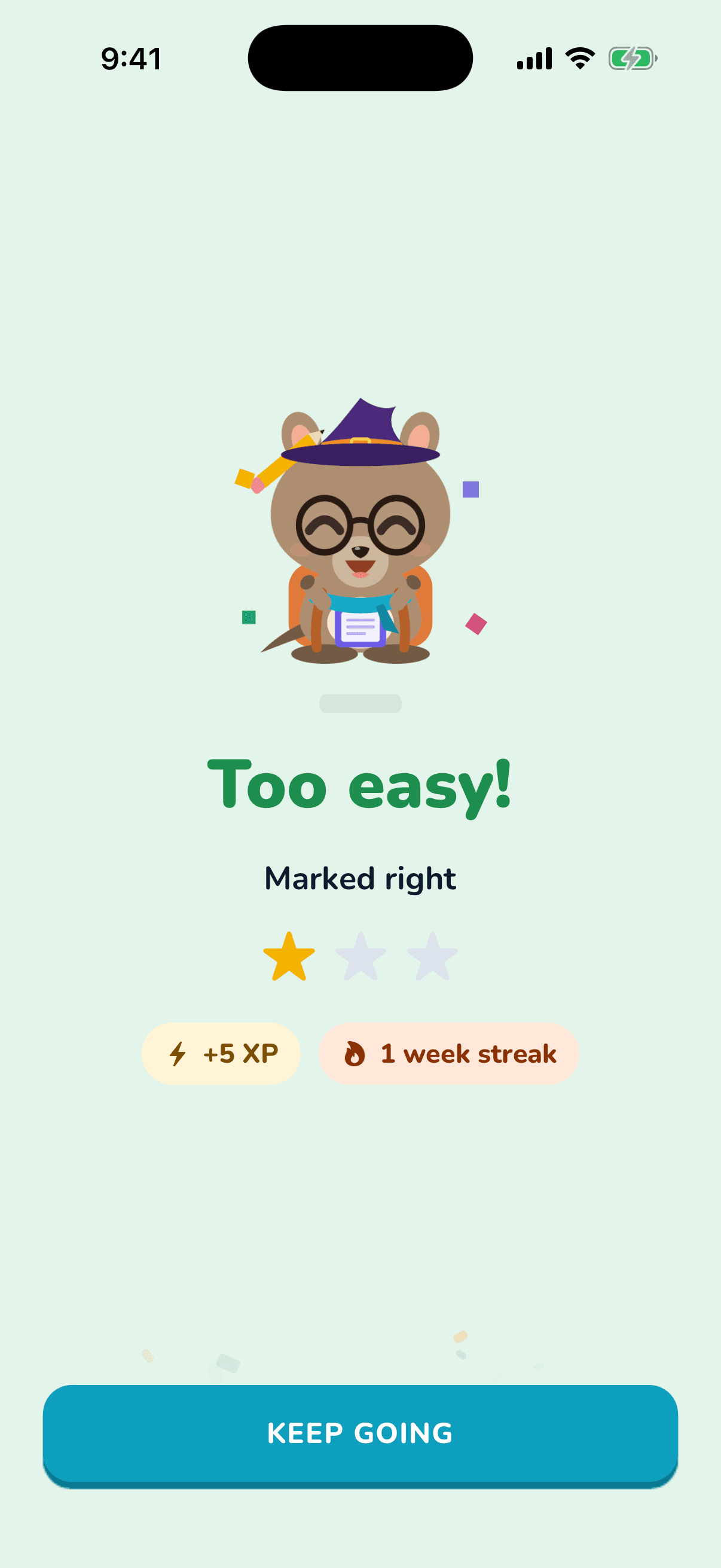
Topic check
A short practice test on any topic in their year, even before they’ve snapped anything. It covers every sub-topic a school test is likely to include, and any question they get wrong goes into their question bank to try again later.
See how topic check works →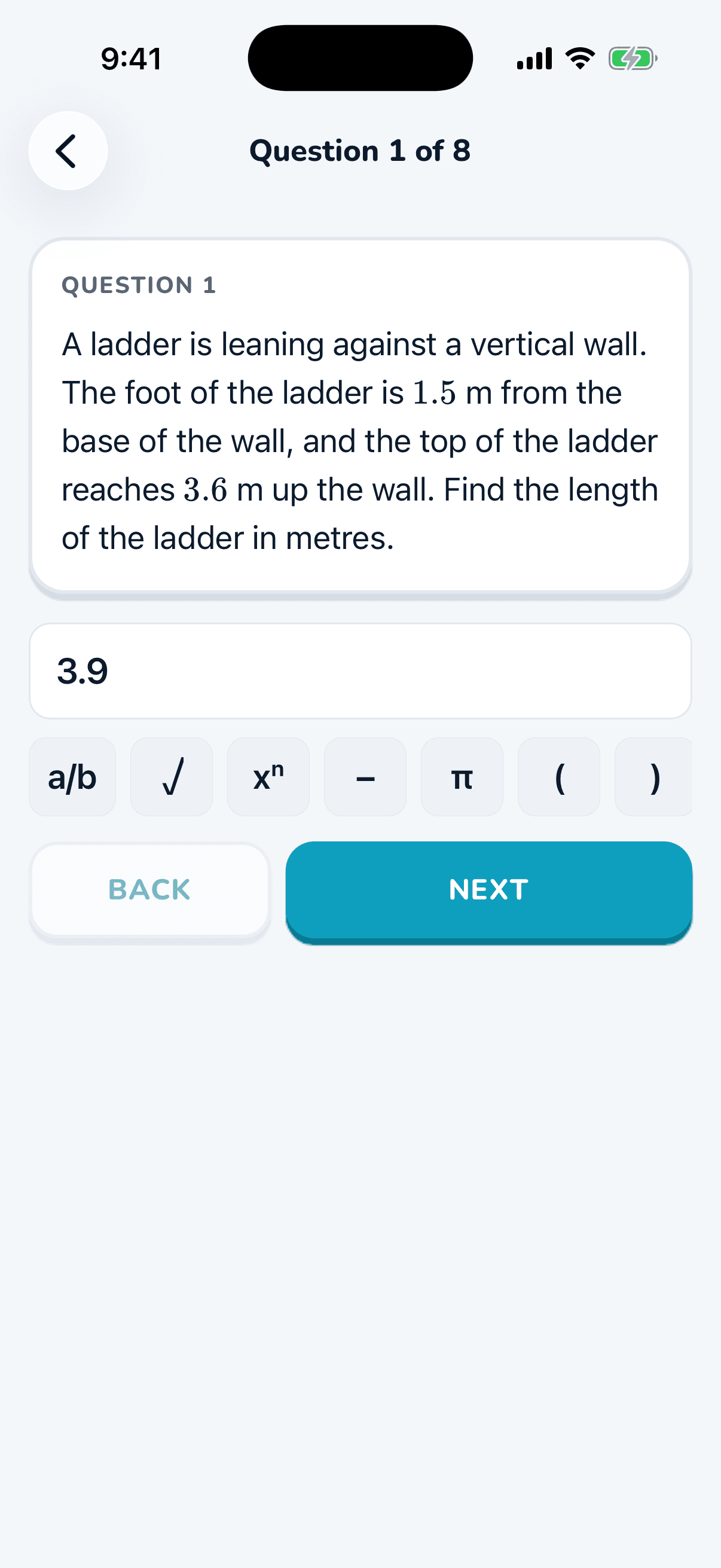
Study notes
A revision sheet on a whole topic, or just the parts they find hard, with worked examples. Download or share as a PDF.
See how study notes works →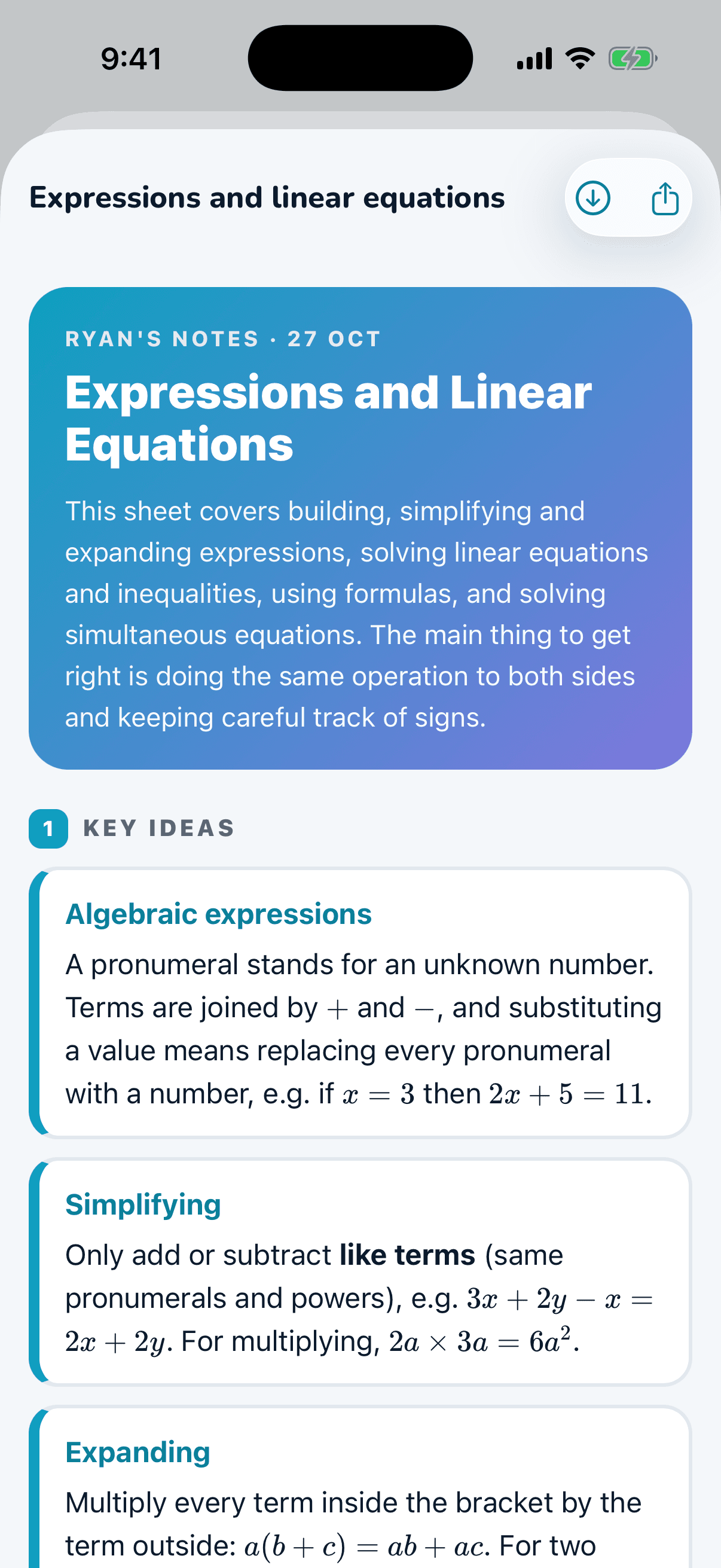
Upload a whole test
Upload a marked school test. The questions marked wrong are found automatically and turned into new practice.
See how upload a whole test works →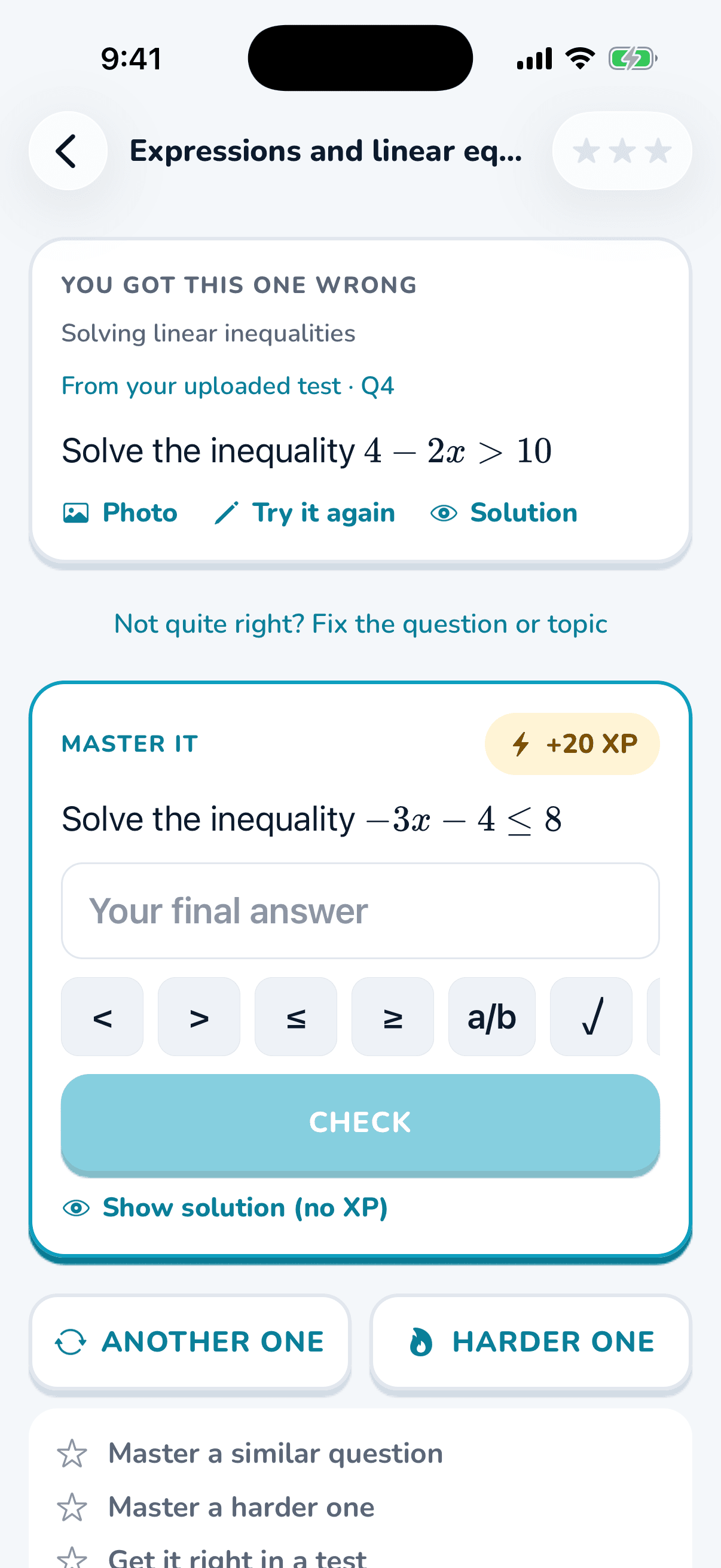
Learning that sticks
Built so it stays learned.
Solution hidden first
They try again before they look.
Comes back to check
Questions they got right return after 3, 7 and 21 days, so they stay learned.
Test countdown
Tell it a test is coming, or upload the term planner, and it focuses on what’s next.
Rewards that build a habit
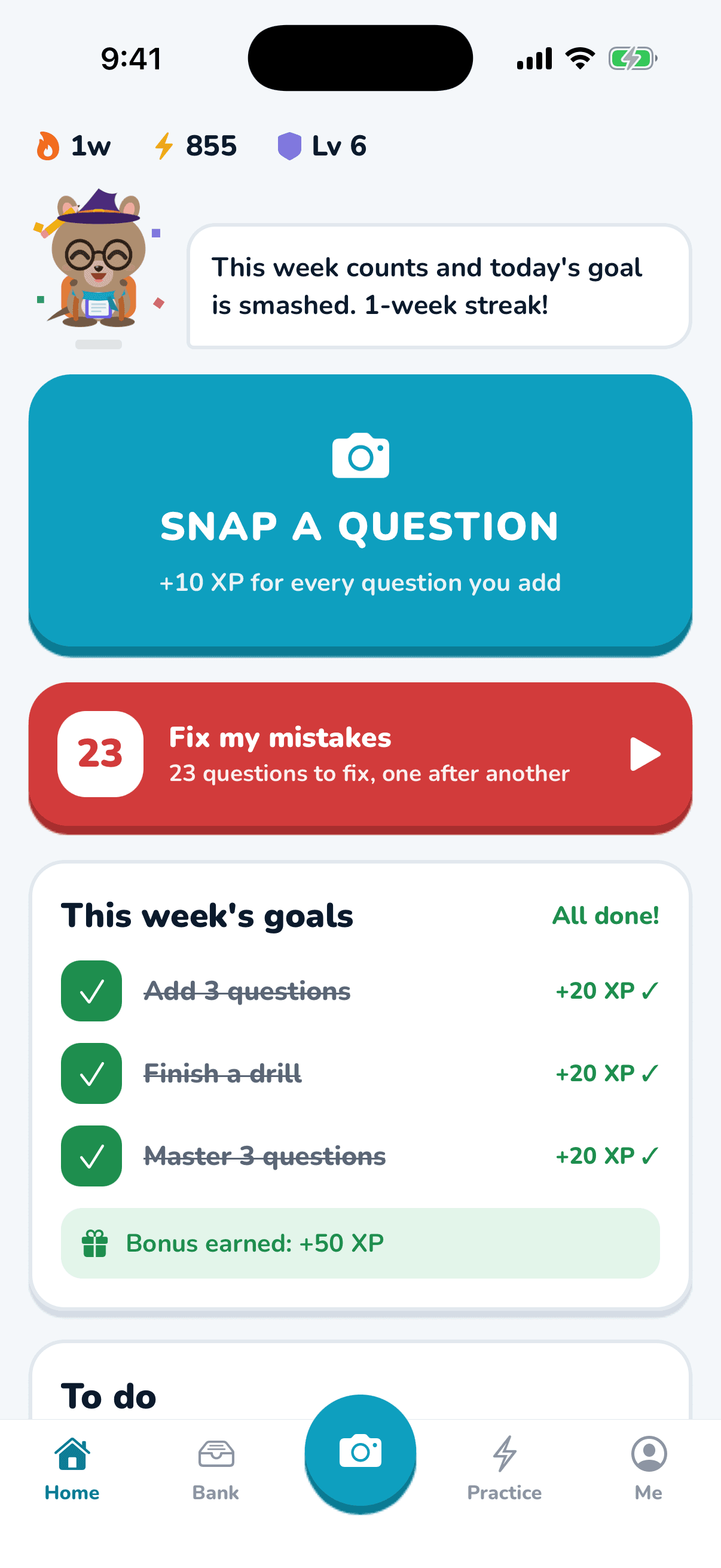
XP, stars, a weekly streak, and double XP for fixing a question within 48 hours.
For parents and tutors
Link with a 6-character code. Each week you see what they added, fixed and mastered, their test scores and their trickiest topic. You see progress, not their photos.
See the parent view →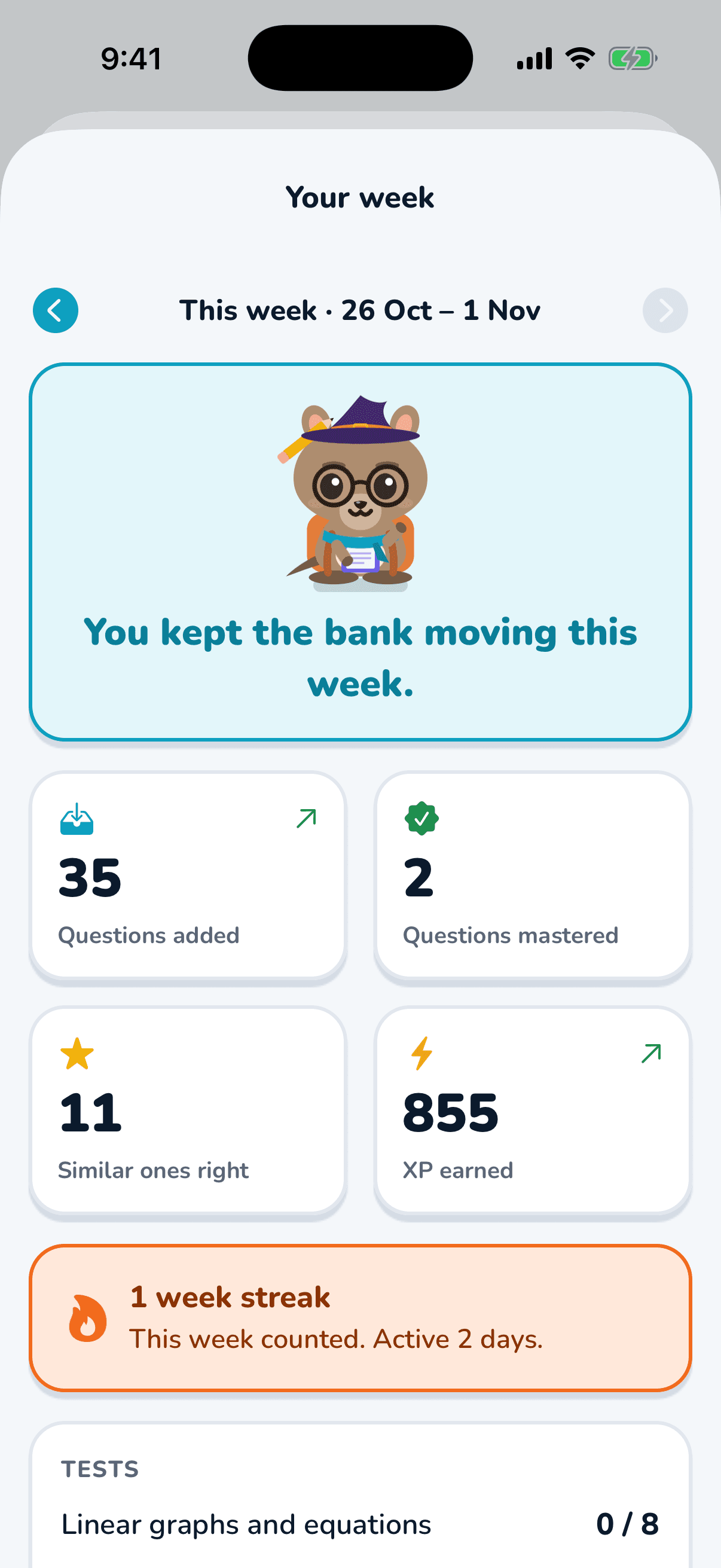
Better maths marks start with the next wrong answer.
Tuterly turns every missed maths question into practice tailored towards the student, not just a generic worksheet.
Coming soon on iPhone. Android soon after.